
Board-to-Board Connector Stack Height: What It Means and How to Choose
Stack height shows up on every board-to-board connector datasheet, but it is easy to treat as just another number instead of the dimension that actually determines whether your two boards -- and everything between them -- physically fit in the enclosure.
What Stack Height Actually Measures
Stack height is the distance between the two mated PCB surfaces once the connector pair is fully seated -- effectively the "headroom" the connector reserves between boards. It is a function of the plug and receptacle heights combined, not either connector alone, so the same plug can produce different stack heights when paired with different receptacle options in the same family.
Why Getting It Wrong Is Expensive
Too little stack height and components on either board can physically collide, or flex circuits and shields will not clear each other. Too much stack height wastes z-axis space in an enclosure that is often already tight, and can leave the connector under more mechanical stress than intended if the boards are also secured by standoffs at a fixed height.
Choosing the Right Value
Start from your enclosure z-height budget and any tallest components on either board within the connector footprint, then check the connector family's available stack-height options -- most series offer a small number of fixed heights rather than a continuous range, so the real decision is picking the closest match and adjusting layout around it, not the other way around.
Treat stack height as a mechanical constraint to solve early, alongside connector selection -- retrofitting a different stack height after the enclosure and board layout are locked is one of the more disruptive changes to make late in a design.
You May Also Need
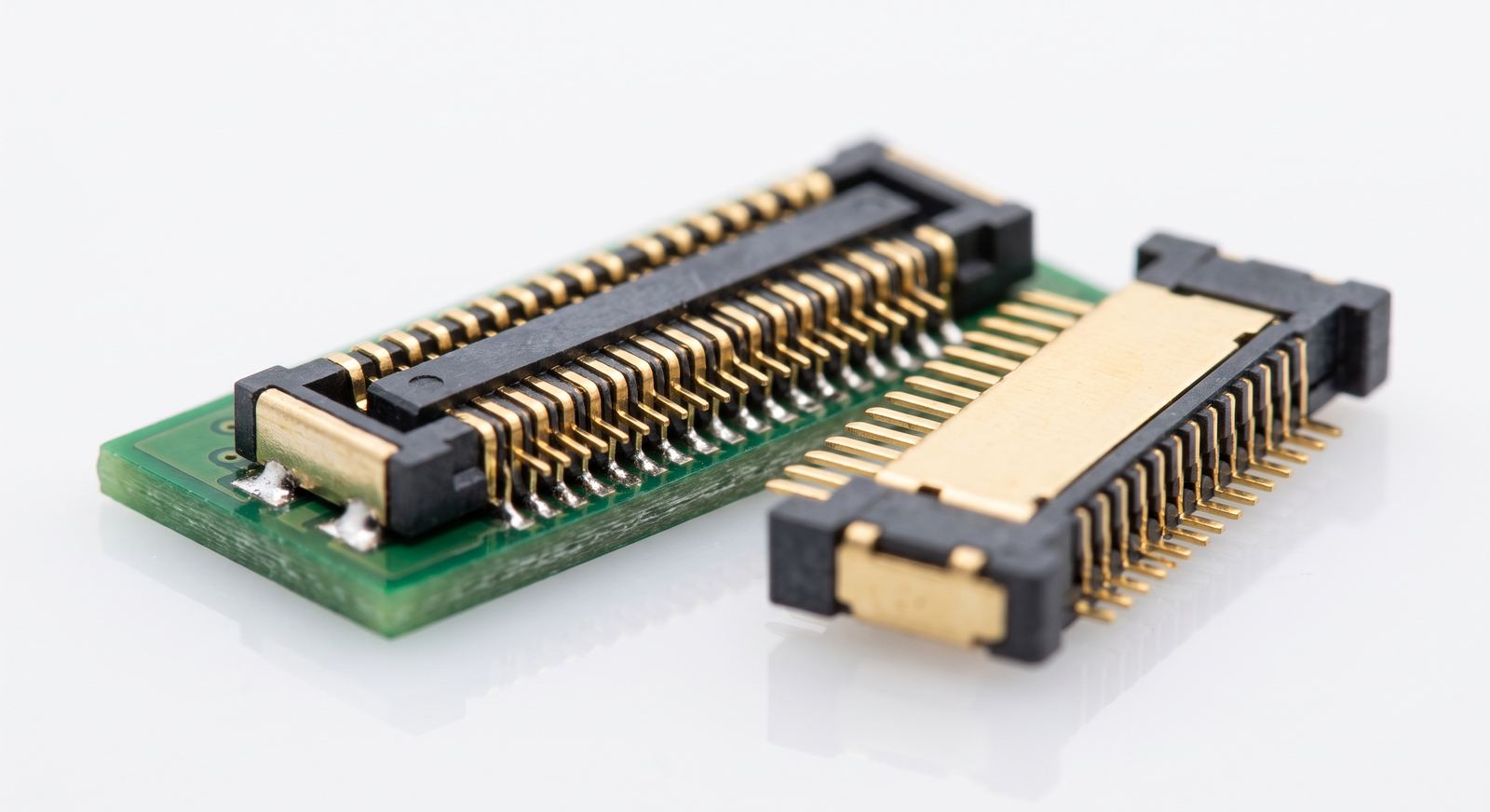
General-Purpose BTB Connectors
Highly reliable, ultra-thin design widely used to connect smartphone main boards and sub-boards, or display and camera modules.
High-Speed Floating Board-to-Board Connectors
High-speed board-to-board connectors with a floating structure that absorbs assembly tolerance, widely used in ultra-thin consumer electronics.
For detailed datasheets or cross-reference comparisons for this series, please contact our technical team.